
Best Procreate Brushes for Tattoo Artists (2026 Guide)
Tattoo artists use two kinds of Procreate brushes: technical brushes (liners, shaders and blenders) for drawing and rendering, and design brushes (stamps of motifs, patterns and lettering) for building flash fast. Procreate ships with capable technical brushes; where you save real time is a good stamp library. Inkers focuses there, with 100+ tattoo stamp and lettering packs built by working tattooers, plus free packs so you can try before you buy.
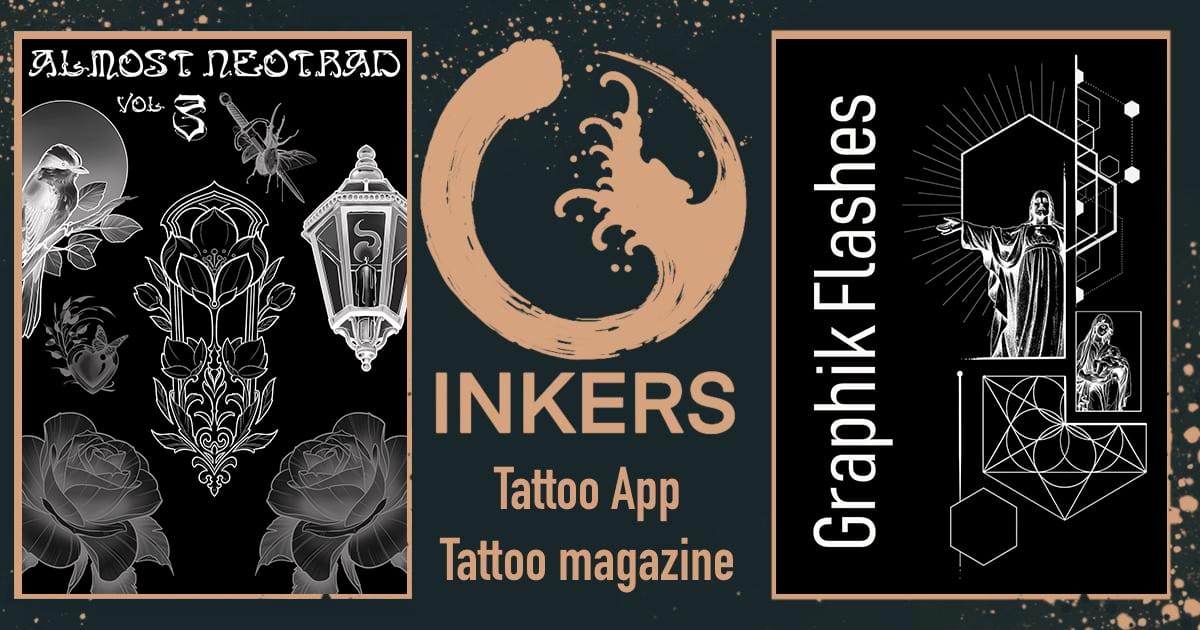
If you plan tattoos on an iPad, "best brushes" depends on which job you mean: rendering a piece, or assembling a design quickly from ready-made elements. Here is the honest breakdown, and where Inkers helps most.
The two kinds of Procreate brushes tattoo artists use
1. Technical brushes (draw and render). Liners for outlines, shaders for black-and-grey gradients, blenders for soft transitions. Procreate's built-in Inking and Airbrushing sets already cover most of this well, and many artists tune those rather than buy new ones. If you want specialized liners or realism shaders, several makers sell them.
2. Design, fill and lettering brushes (build fast). Three jobs here: stamps of motifs (roses, skulls, mandalas) you drop in and arrange; fill brushes that pack an area with a repeating pattern or texture in a single stroke (dotwork, ornamental fills, backgrounds); and lettering. You scale, rotate and combine, and assemble a design or a flash sheet in a fraction of the time. This is where a library earns its keep, and it is what Inkers specializes in.
Being straight about this matters: if you are hunting for a single "liner brush," Procreate's defaults or a dedicated liner maker may serve you better than any pack. If you want to build tattoo designs faster from ready-made elements, read on.
What Inkers actually offers (100+ stamp and lettering packs)
Inkers is a library of Procreate brush and stamp packs made for tattoo work, organized by subject and style rather than by "liner/shader." The catalog spans:
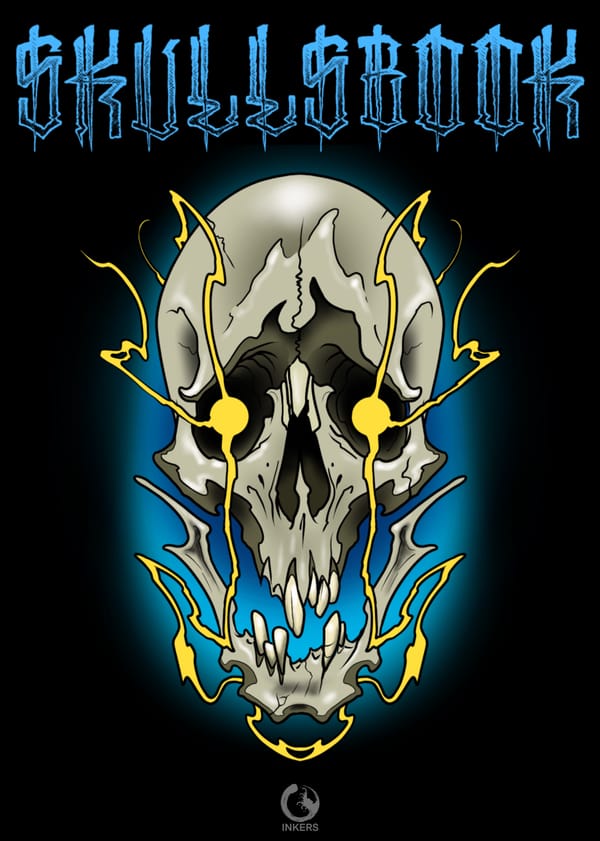
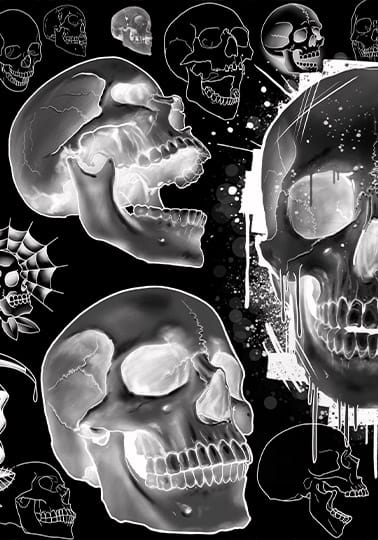
- Motifs and elements: Roses (including Realist'ink Roses, 176 brushes), Flowers, Peonies, Lotus, Sakura, Skulls (191 stamps), Snakes, Dragons, Bats, Wings, Feathers, Birds, Insects, Hands (404 brushes), Mandalas, Lace and Jewellery, Waves, Leaves and Trees.
- Patterns, fills and textures: brushes that fill an area with a repeating pattern or texture in one stroke, for backgrounds, ornamental fills and dotwork-style packing (Patterns #1 and #2, Patterns by El Patman, Textures, the Geometr'ink packs).
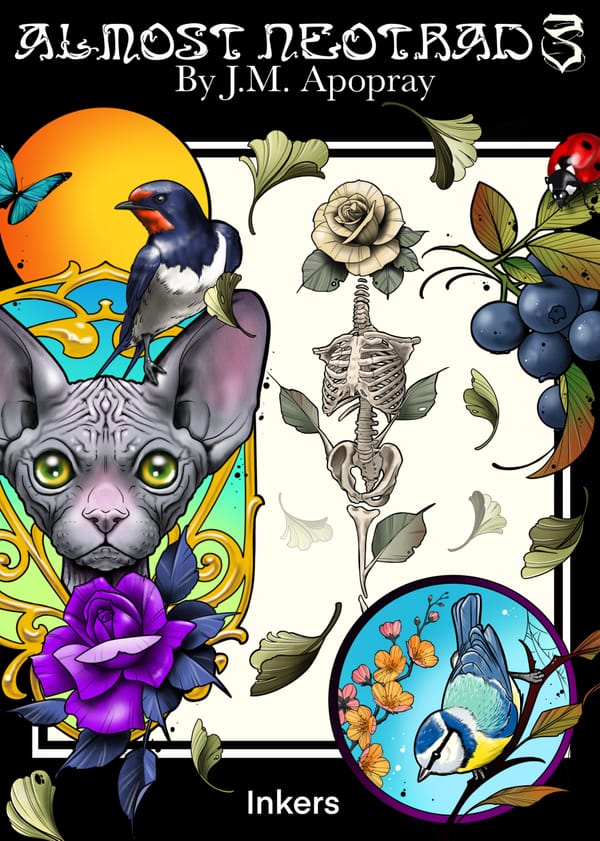
- Styles: Old School (400 brushes), Almost Neo Trad Vol. 1-3, Biomechanical (223), Neo Cyber Sigilism, Art Nouveau, Celtic, and a deep Japanese range (Koi, Sakura, Japanese Clouds, No Mask, Chrysanthemums, Tatau).
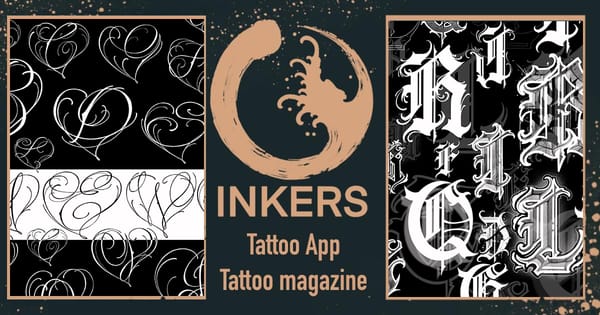
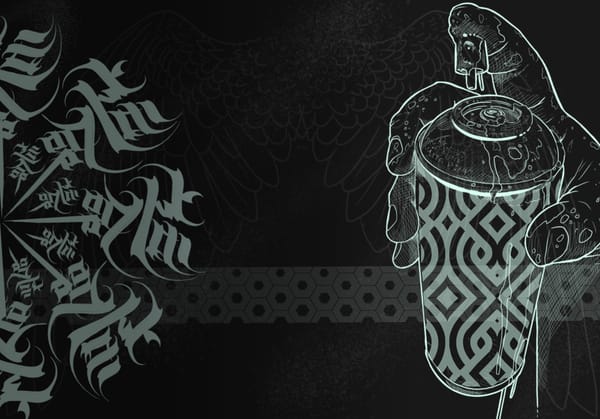
- Lettering and fonts: 20+ letter and display-font packs, from single-alphabet sets to large script and graffiti collections.
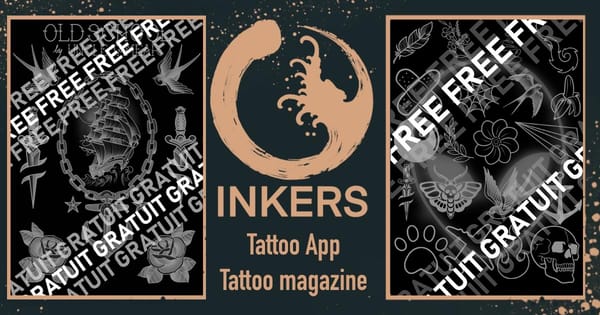
- Free packs: five free sets to try, including Free Procreate Brushes, a Free Mini Tattoo stamp pack, a free lettering pack, and a Free Old School pack.
Packs range from about $0.99 to $29.99, with some included in an Inkers+ subscription. Several are made by named artists (for example dragons and snakes by Gaston, patterns by El Patman).
How stamp brushes speed up your workflow
A stamp library changes how you draft. Instead of drawing every rose, skull or ornamental border from scratch, you stamp a base element, scale and rotate it, then combine and customize. That collapses the slow part of flash design and repeat elements (mandalas, patterns, borders), so you spend your time on composition and personalization, not redrawing the same motifs.
What Inkers is not (so you can choose well)
Inkers is a design and stamp library, not a technical-brush or stencil vendor. Honest limits:
- It does not sell dedicated liner, shader or realism-skin brushes. For those, start with Procreate's built-ins or a maker that specializes in rendering brushes.
- It does not sell ready-made stencil files or skin-tone palettes. To make a stencil, reduce your finished design to clean single-weight linework and export a PNG for thermal paper. The Inkers magazine also carries stencil tutorials and reference books.
How to install brushes in Procreate
- Download the brush set (a
.brushor.brushsetfile), or install the Inkers app and download packs from the Tools section. - Open the file; Procreate imports it automatically, or drag it into the Brushes panel.
- Find it under the imported set, and duplicate before you tweak settings so you keep the original.
Inkers packs ship with sensible defaults, so you can draw immediately.
Free vs paid packs
A free pack is the right way to test feel and see whether a style fits how you draw before committing. Paid packs earn their keep on range and volume: hundreds of ready motifs in one style, consistent quality, and regular updates, so you are not stitching together mismatched elements from five sources mid-project.
Our pick, plus honest alternatives
Inkers is the strong choice if you want a large, tattoo-specific library of stamp and lettering packs in one iPad app, built by working tattooers, with free packs to start. It is not the choice if what you need is a single technical liner or a realism shader set.
Honest alternatives by need:
- Procreate's built-in brushes for liners, shaders and blenders. Free, already installed, and enough for most rendering.
- Envato / Creative Market for one-off style sets or technical brushes.
- Gumroad free packs for quick, no-cost linework and stipple brushes.
- BlackInk AI if you actually want AI design generation rather than brushes.
There is no single "best" for everyone: match the tool to the job. Procreate's defaults for rendering, a stamp library like Inkers for building designs fast.
Watch how it's done
Related Content
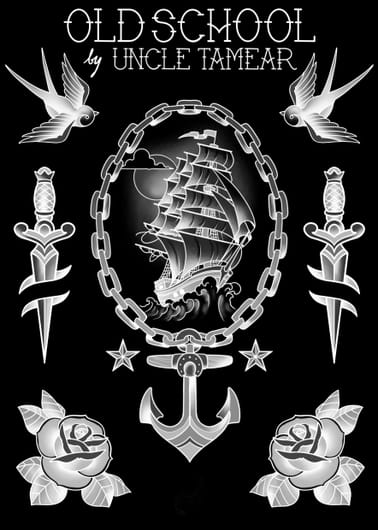 Pack Procreate Old School
You can also get it in the Inkers app

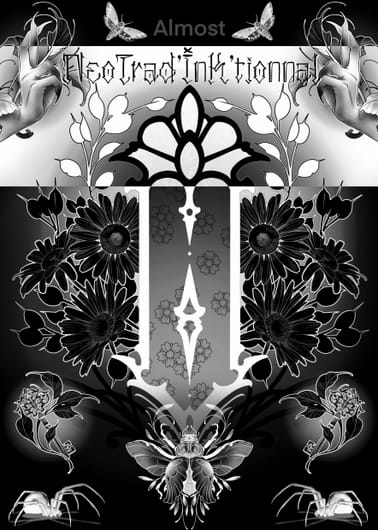 Almost Neo Trad by Marcel Terrasson
You can also get it in the Inkers app
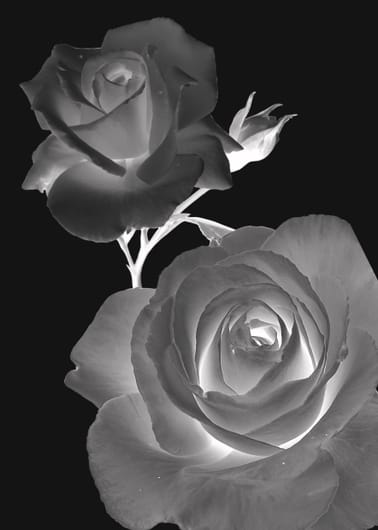 Brush Pack - Realist'ink Roses
You can also get it in the Inkers app
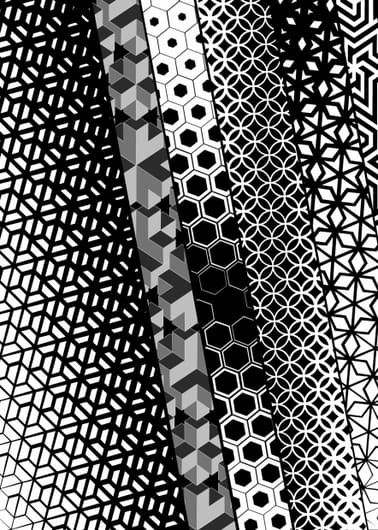 Brush Pack - Geometr'ink
You can also get it in the Inkers app
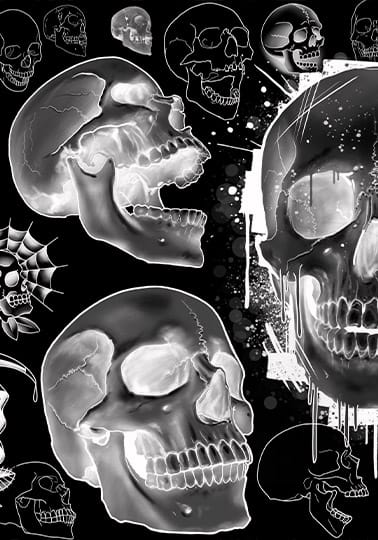 Brush Pack - Skulls #1
You can also get it in the Inkers app
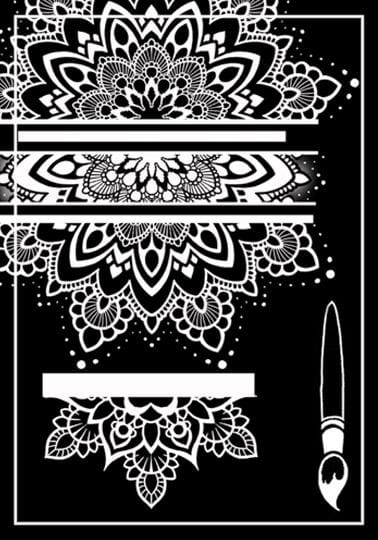 Brush Pack Mandala
You can also get it in the Inkers app
FAQ
What brushes do tattoo artists use in Procreate?
Two kinds: technical brushes (liners for outlines, shaders for gradients, blenders for transitions), often Procreate's built-ins, and design brushes (stamps of motifs, patterns and lettering) to build flash and compositions quickly.
Does Inkers sell liner and shader brushes?
Inkers focuses on design and stamp packs (motifs, styles and lettering), not dedicated technical liners or shaders. For those, Procreate's built-in Inking and Airbrushing brushes are a solid starting point.
Do Procreate tattoo brushes work on iPhone?
Procreate itself is iPad-only. On iPhone you would use Procreate Pocket, which supports brushes on a smaller canvas. For tattoo design work, an iPad is strongly recommended.