
Free Procreate Tattoo Brushes: Where to Get a Starter Pack (2026)
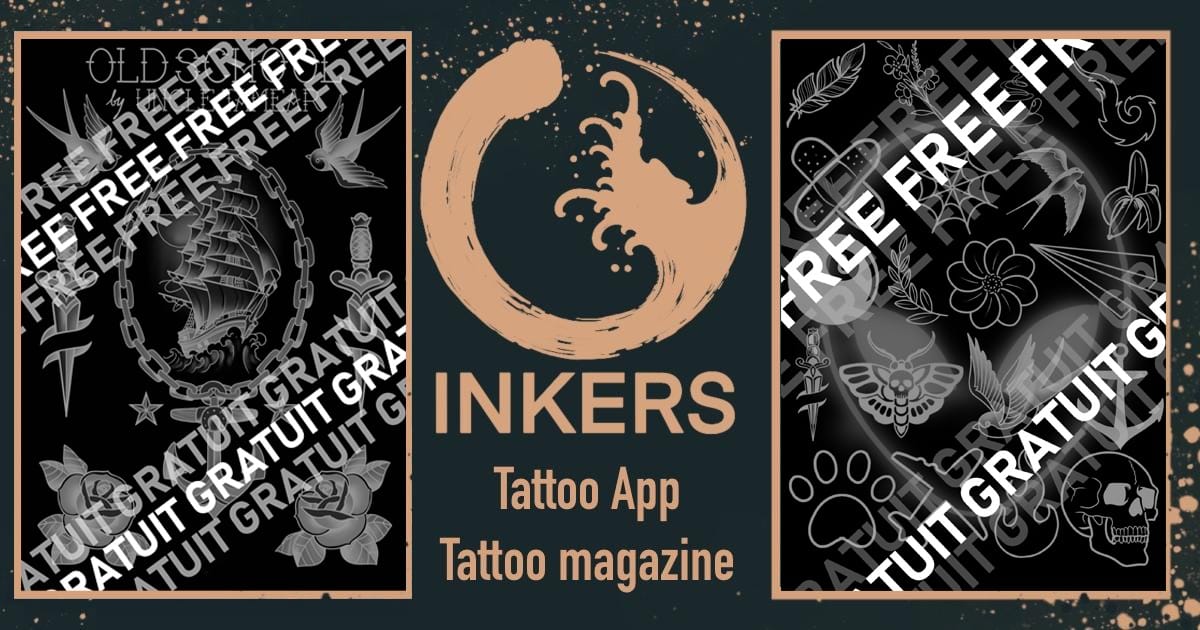
You can get free Procreate tattoo brushes to test before buying a full set. A good free pack includes enough designs to try them on a real design. Inkers offers multiple free starter packs inside its iOS app, so you can draw with them first, then unlock the full library when you're ready. Free brushes are the smart way to find out whether a set actually suits how you draw, before you spend anything. Here's what to look for, how to install one, and when it's worth upgrading.
What a good free tattoo brush pack includes
A free pack should be a genuine taste of the full set, not a single throwaway brush. Look for:
- Variations: if it's just one style, it doesn't allow you to test the quality of the paid brushes before buying. Look for variety in design style.
- Brushes and stamps: stamps are good for the initial design, and fill brushes let you pack an area with a pattern in one stroke, so you have all you need to create a complete design.
If a "free" pack is one low-effort brush, it won't tell you much. Four well-made brushes will.
How to install a free Procreate brush (step by step)
- Install the inkers app by following this link.
- Go into the Tools section, then the brush section.
- Search for the free packs.
- Download the file.
- A dialog will open, choose Procreate in the list.
- It appears in your Brushes under the imported set. Duplicate it before changing any settings so you keep the original.
That's it, you can draw immediately.
When it's worth upgrading to a paid set
Stick with free while you're testing feel. Upgrade once you hit one of these:
- You want range: many styles covered (old school, neo-traditional, Japanese, geometric, ornamental, lettering) without hunting across five sources.
- You want pattern and fill brushes plus complete lettering sets in one place, not just a few outline stamps.
- You're doing client work and need consistency and print-ready output you can rely on.
At that point a full library pays for itself in time saved per piece.
Other honest places to find free brushes
Inkers isn't the only source, and a good guide says so:
- Gumroad has several free tattoo brush packs (liners, stipple, shaders) from independent artists.
- YouTube tattoo-design creators often share a free brush with their tutorials.
Grab a couple, compare them against a starter pack, and keep whatever feels best under your Apple Pencil.
Try Inkers' free starter packs
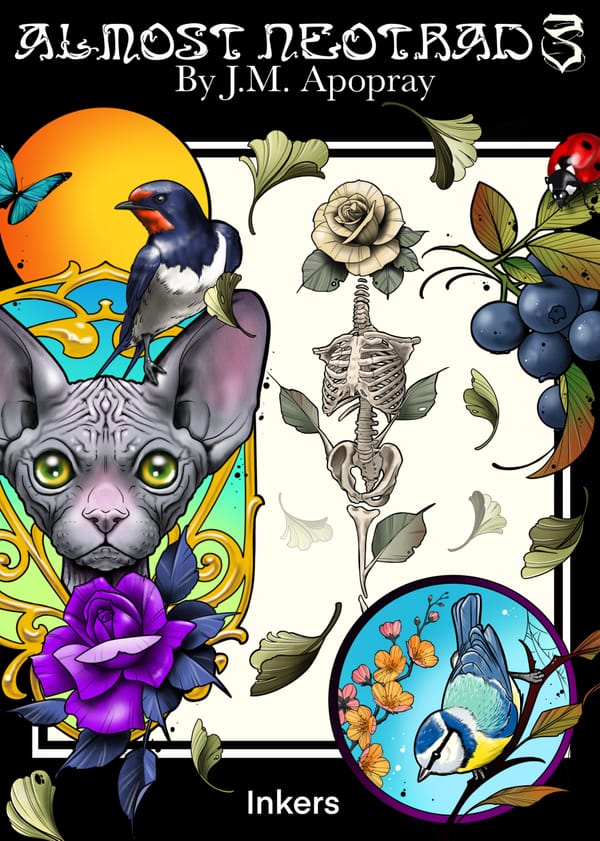
Inkers' free starter packs give you many stamps and brushes of various designs right inside the iOS app, made by a working tattooer. Draw a real design with them, and if they fit your hand, the full brush library - motifs, styles, patterns and lettering - is one tap away.
Related Content
 Brushes Pack Letters Trib
You can also get it in the Inkers app

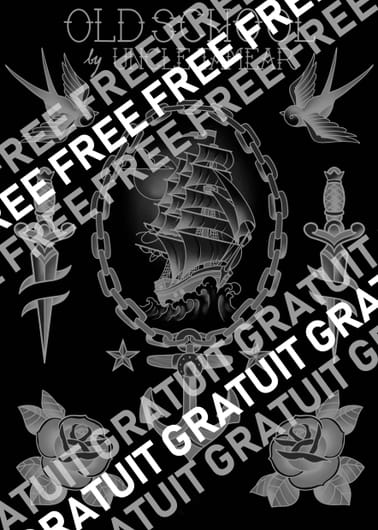 FREE Pack Procreate Old School
You can also get it in the Inkers app
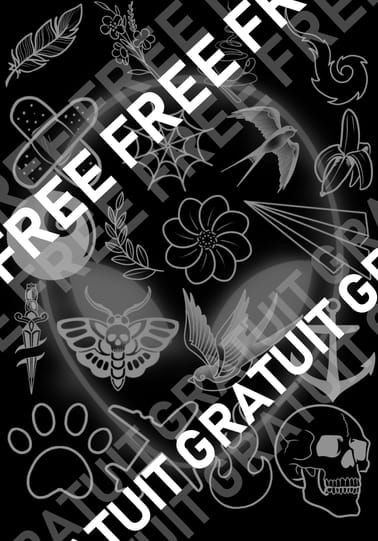 Free Mini Tattoo
You can also get it in the Inkers app
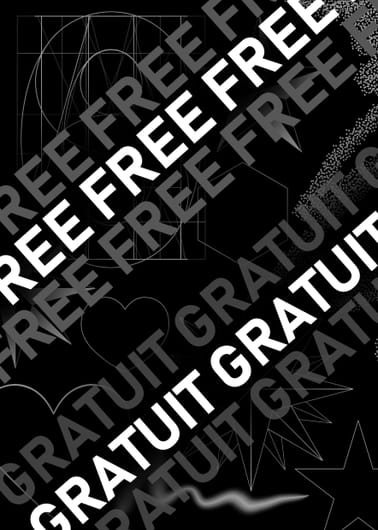 Free Procreate brush Pack
You can also get it in the Inkers app
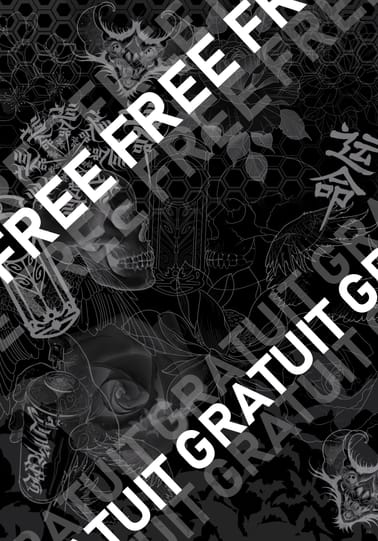 Free Procreate Brushes
You can also get it in the Inkers app
FAQ
Are free Procreate tattoo brushes good enough for client work?
For sketching and testing, yes. For consistent, repeatable client output, most artists move to a full set once they've found one they like, mainly for the range and consistency, not because the free brushes are low quality.
How do I import a free brush into Procreate?
Install the Inkers App by following this link (https://onelink.to/ynumzr), go into the Tools section, then look for the free Procreate Brush packs.
Do free brushes work on iPad and iPhone?
On iPad with Procreate, yes. On iPhone you'd need Procreate Pocket; brushes work but the canvas is smaller, so iPad is better for tattoo design.